 09 April 2026
 Share
Share
1
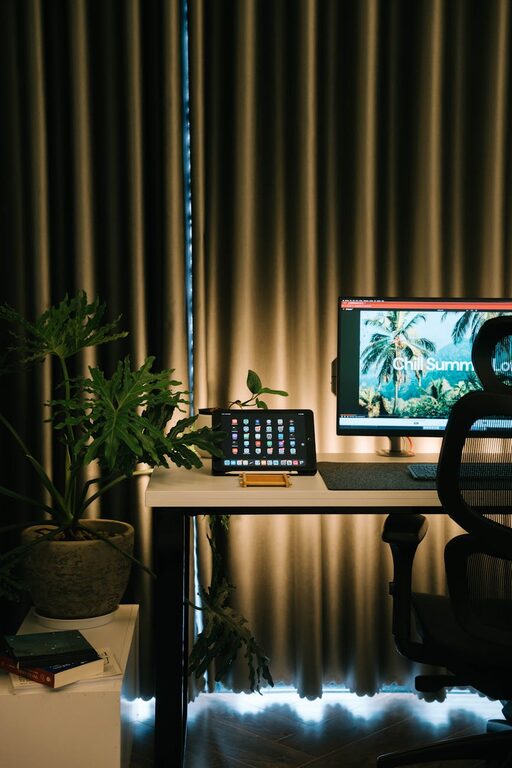
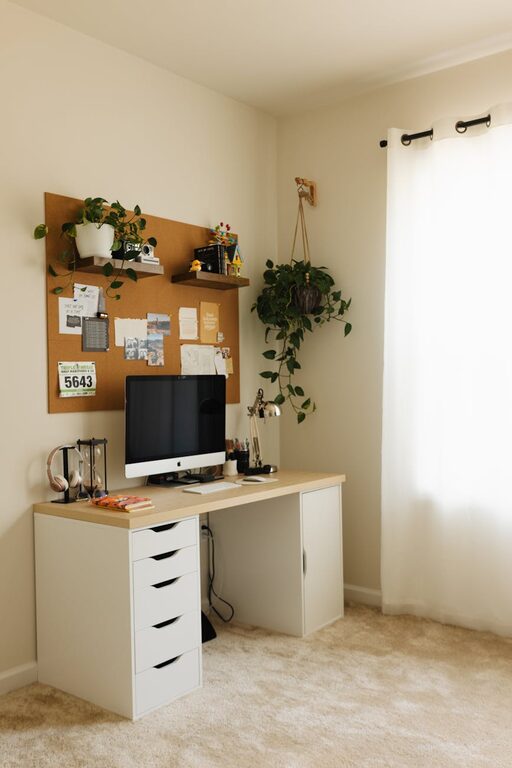
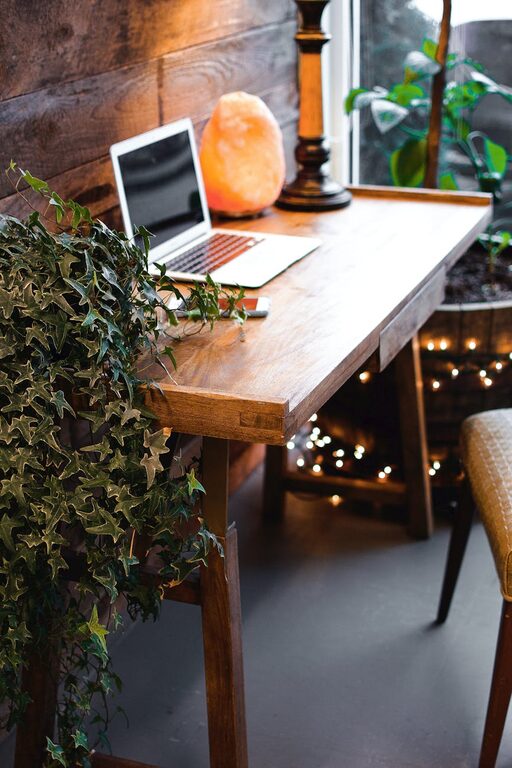
Working from home has become increasingly common, and creating a space that supports both comfort and productivity is essential. A well-designed home office can improve focus, reduce stress, and make your workday more enjoyable. Whether you have a dedicated room or a small corner, these tips will help you create a cozy and efficient workspace that meets your needs.
Picking the right spot for your home office is the first step. Ideally, select a quiet area with minimal distractions. If possible, find a space with natural light, which can boost your mood and energy levels. Avoid high-traffic areas and loud spots to help maintain concentration.
– Use a spare room or a quiet nook.
– Position your desk near a window for daylight.
– Ensure there’s enough room for your computer, documents, and equipment.
– Consider a corner if space is limited.
Comfort plays a huge role in your productivity. Invest in an ergonomic chair that supports your back and promotes good posture. Your desk should be the right height to keep your arms and wrists comfortable while typing.
– Adjustable chair with lumbar support.
– Desk with enough surface space for your essentials.
– Add a footrest if needed to support your legs.
– Consider a sit-stand desk to alternate between sitting and standing.
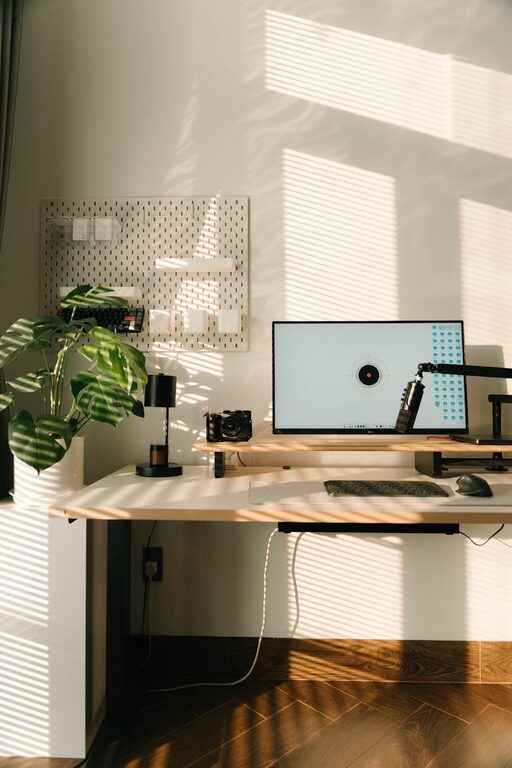
Proper lighting reduces eye strain and helps maintain focus. Natural light is best, so try to position your desk near a window. When natural light is limited, use layered lighting with a combination of ambient, task, and accent lights.
– Use a desk lamp for focused tasks.
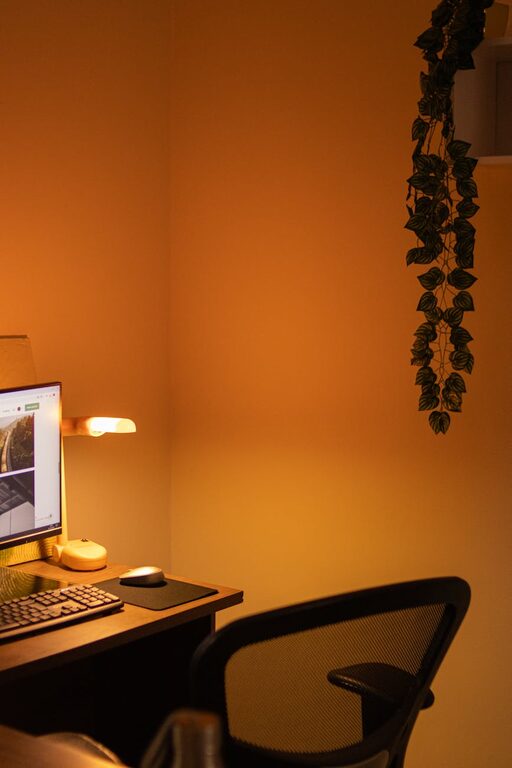
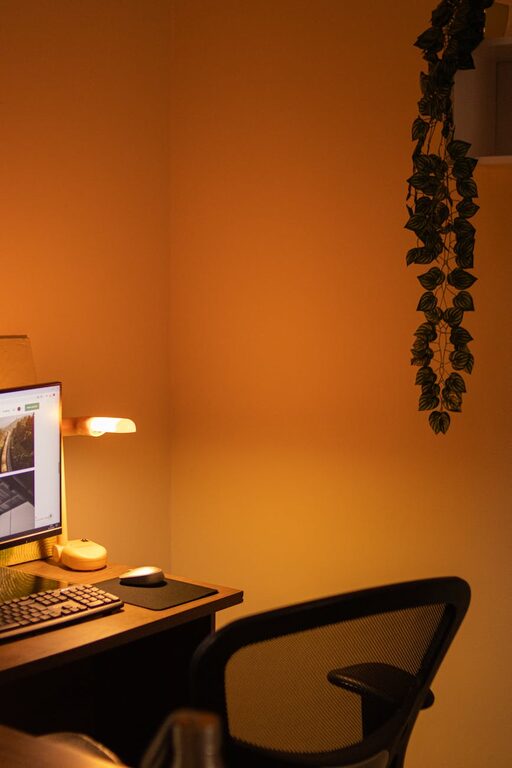
– Avoid harsh overhead lights; opt for warm, diffused lighting.
– Position your screen to avoid glare.
– Consider smart bulbs that adjust brightness and color temperature.
A clutter-free environment promotes mental clarity. Use storage solutions that keep your desk tidy and organized. Regularly declutter to avoid distractions.
– Use shelves, file cabinets, or baskets for storage.
– Keep frequently used items within arm’s reach.
– Use cable organizers to manage wires.
– Label folders and drawers for easy access.
Adding personal touches can make your home office feel inviting. Include items that inspire and motivate you, but avoid overcrowding the space.
– Display photos or art that you enjoy.
– Add a plant for a touch of nature and improved air quality.
– Incorporate colors that calm or energize you.
– Use comfortable textiles like cushions or throws.
Create boundaries to help separate work from home life. Set clear rules with family members or roommates about your work hours and space usage.
– Use noise-canceling headphones if needed.
– Turn off unnecessary notifications during work hours.
– Create a “do not disturb” sign as a gentle reminder.
– Use apps or tools to limit distractions on your computer.
Equip your office with technology that supports your tasks. A reliable internet connection, good-quality webcam, external monitor, and keyboard can make a big difference.
– Use a wireless mouse and keyboard for convenience.
– Invest in a monitor stand for better screen height.
– Consider a white noise machine if your environment is noisy.
– Backup important files regularly on external drives or cloud services.
Taking breaks is essential for long-term productivity. If space permits, create a small area away from your desk for relaxation or quick stretches.
– Comfortable chair or small sofa.
– A spot for coffee or tea.
– Space for simple exercises or meditation.
– Soft lighting and calming decor.
—
Creating a cozy and productive home office is all about balancing comfort with efficiency. By selecting the right location, investing in quality furniture, optimizing lighting, staying organized, personalizing the space, minimizing distractions, adding helpful technology, and incorporating breaks, you’ll design a workspace that supports your best work every day. Start small and adjust your office as your needs evolve—your perfect home office is within reach!