 09 April 2026
 Share
Share
1
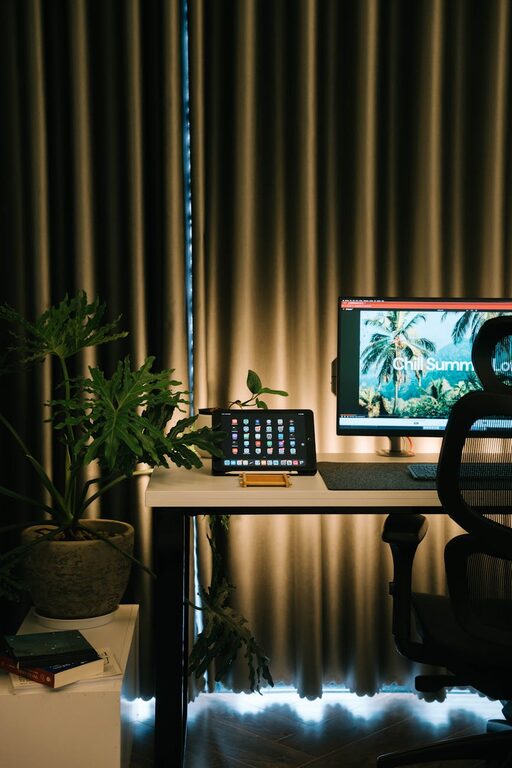
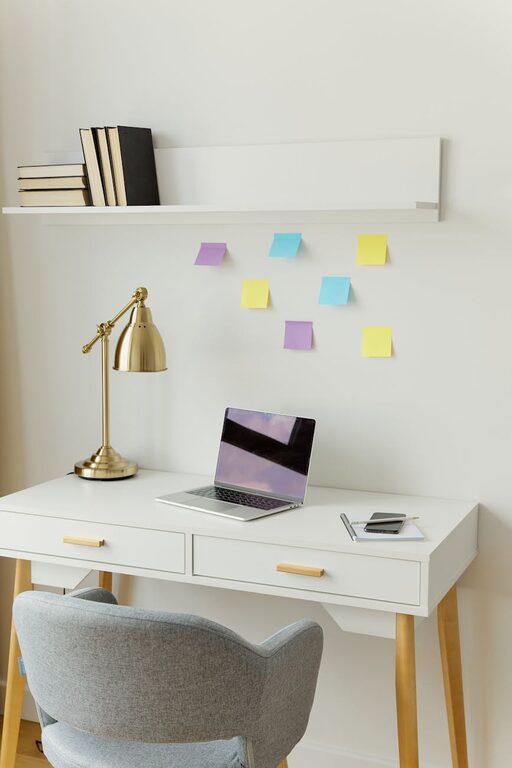
Creating a home workspace that feels inviting yet practical can make a big difference in your productivity and comfort. Whether you work remotely full-time or occasionally need a quiet spot for focused tasks, a cozy and functional workspace helps maintain motivation and reduce distractions.
In this post, we’ll explore key tips for designing a workspace that balances warmth and efficiency.
Start by selecting a space in your home that suits your work needs. Ideally, this area should be:
– Quiet and low-traffic to minimize interruptions.
– Well-lit, preferably with access to natural light.
– Away from distractions like the TV or kitchen noise.
If space is limited, a corner of a living room or bedroom can work well. Use room dividers or curtains to visually separate your workspace.
Comfort plays a huge role in how productive and happy you feel during work hours.
– Ergonomic chair: Look for adjustable chairs that support good posture to prevent back and neck pain.
– Proper desk height: Your desk should allow your arms to rest comfortably with elbows at about a 90-degree angle.
– Desk size: Choose a desk big enough to hold your computer, notebook, and any essentials without clutter.
Taking care of your comfort reduces fatigue and helps maintain focus.
Good lighting improves mood and reduces eye strain.
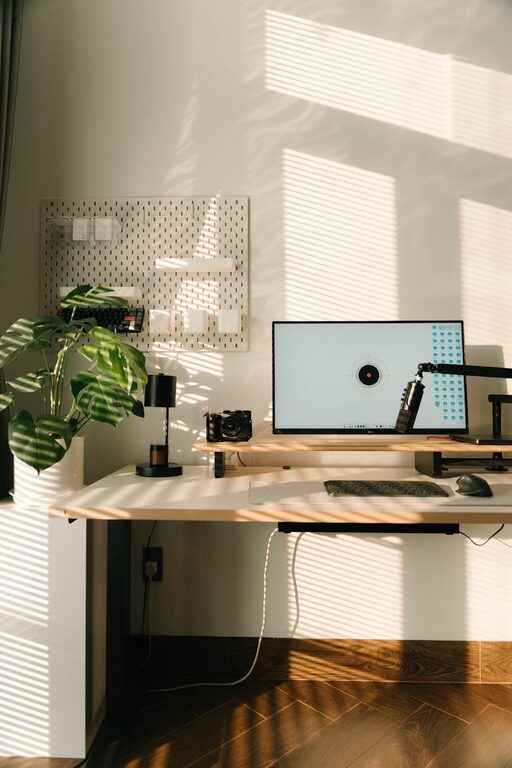
– Natural light: Position your desk near a window if possible. Natural daylight enhances alertness and wellbeing.
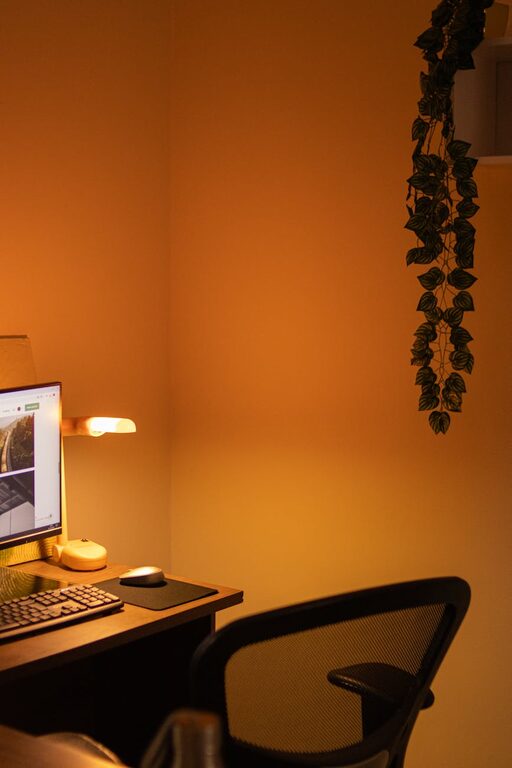
– Task lighting: Use adjustable desk lamps to brighten your workspace during darker hours.
– Avoid glare: Arrange your computer screen and lighting to prevent glare and reflections.
Experiment with different setups to find what feels most comfortable to your eyes.
A tidy workspace helps your mind feel clear and focused. Try these organizing tips:
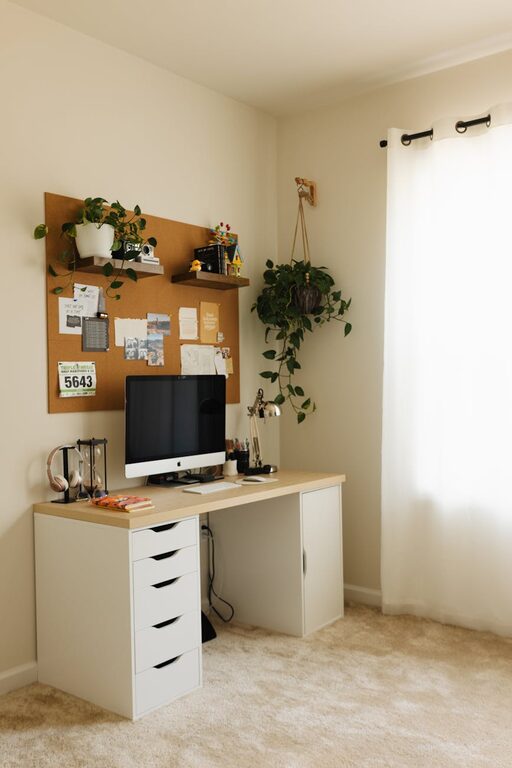
– Use storage solutions: Shelves, drawers, and organizers keep paperwork and supplies under control.
– Limit items on your desk: Only keep daily essentials within arm’s reach.
– Cable management: Use clips or sleeves to keep cords neat and prevent tangling.
– Declutter regularly: Spend a few minutes daily or weekly to clear unnecessary items.
An organized environment makes it easier to find what you need and stay productive.
Adding personal touches makes your workspace inviting and inspiring without overdoing it.
– Add plants: Small indoor plants improve air quality and add a calm, natural vibe.
– Incorporate colors: Use colors you enjoy in accessories or wall art to create a pleasant atmosphere.
– Display meaningful items: Photos, motivational quotes, or souvenirs create a space you want to spend time in.
– Keep it minimal: Avoid crowding the area to maintain a professional and focused feel.
Your workspace should feel like a place you enjoy returning to each day.
The right tech setup can simplify your work and enhance functionality.
– Reliable internet connection: Ensure you have strong Wi-Fi or a wired connection for uninterrupted work.
– Monitor setup: A second monitor or a larger screen can boost productivity.
– Headphones: Noise-cancelling headphones help maintain focus, especially in busy households.
– Charging stations: Keep your devices powered with easy access to chargers.
Regularly update software and back up files to avoid technical issues.
Even the best workspace needs a routine to be effective.
– Set dedicated work hours: Define start and finish times to separate work from personal time.
– Take breaks: Schedule regular short breaks to stretch and refresh.
– Use to-do lists: Organize your tasks to stay on track throughout the day.
– Create rituals: Whether it’s a morning coffee or a desk tidy-up, rituals signal the start or end of work.
A consistent routine helps build focus and reduces stress.
Your well-being is key to a long-term successful workspace.
– Adjust screen height: The top of your monitor should be at or slightly below eye level.
– Position keyboard and mouse: Keep them close to prevent overreaching.
– Practice good posture: Sit with feet flat on the floor and back supported.
– Incorporate movement: Stand or walk during calls and stretch occasionally.
Taking care of your physical health improves comfort and reduces fatigue.
Crafting a cozy and functional home workspace doesn’t require a large budget or a special room. Thoughtful choices about location, comfort, lighting, and organization can transform any space into a productive haven. Personalize it to suit your style and needs, and maintain routines that support both work and wellbeing. With these tips, your home workspace can become a place you look forward to spending time in each day.